Free browser game · No download
Azeroth Survivors: tier list, builds and how to play free
 Play Azeroth Survivors
This game needs WebGPU
This browser has no WebGPU, so the game cannot start here. Use a current Chrome, Edge or Safari, or turn WebGPU on.
How to enable WebGPU: see “Not loading? Fix it here” below.
- Roguelike
- Survivor
- WebGPU
Playable here: Azeroth Survivors. The frame above runs the game in a browser with WebGPU. No WebGPU means the game cannot start; thetroubleshooting guide shows how to turn it on.
About this page
This is a free WoW-inspired survivor game, and this site is where you play it in the browser.
The frame runs Azeroth Survivors in a browser with WebGPU. Without WebGPU the game cannot start here; turn WebGPU on and reload to play.
Not affiliated with Blizzard Entertainment or World of Warcraft; the WoW setting is an inspiration, not an official product.
Free browser gamev0.145.2
Azeroth Survivors is a wow vampire survivors-style game and a free wow browser game. Pick a hero, dodge the waves and level up. No account, no install. New to the game? Start with the tier list, the class builds or the how to play guide.
Start here
Azeroth Survivors guides
 Tier listAll nine classes ranked for 2026.
 Class buildsStarting abilities and ability pools for every class.
 How to playControls, upgrade picks and the first-run loop.
 ClassesHow each class plays; the build pages cover its abilities and level-up picks.
 WikiZones, bosses, items, talents and abilities.
 UpdatesPatch notes and the current game version.
 DownloadPlay in the browser or use the Windows fallback.
 TroubleshootFix WebGPU, black screen and server-busy errors.
Where to play, download and get help
Browser play is free and needs no account or install. This page is not affiliated with Blizzard Entertainment or World of Warcraft. The download guide covers the official Windows build, community explains the Discord and help links, and is it safe covers what to check before a download. The original game and Reborn are separate projects by different teams.
In the arena
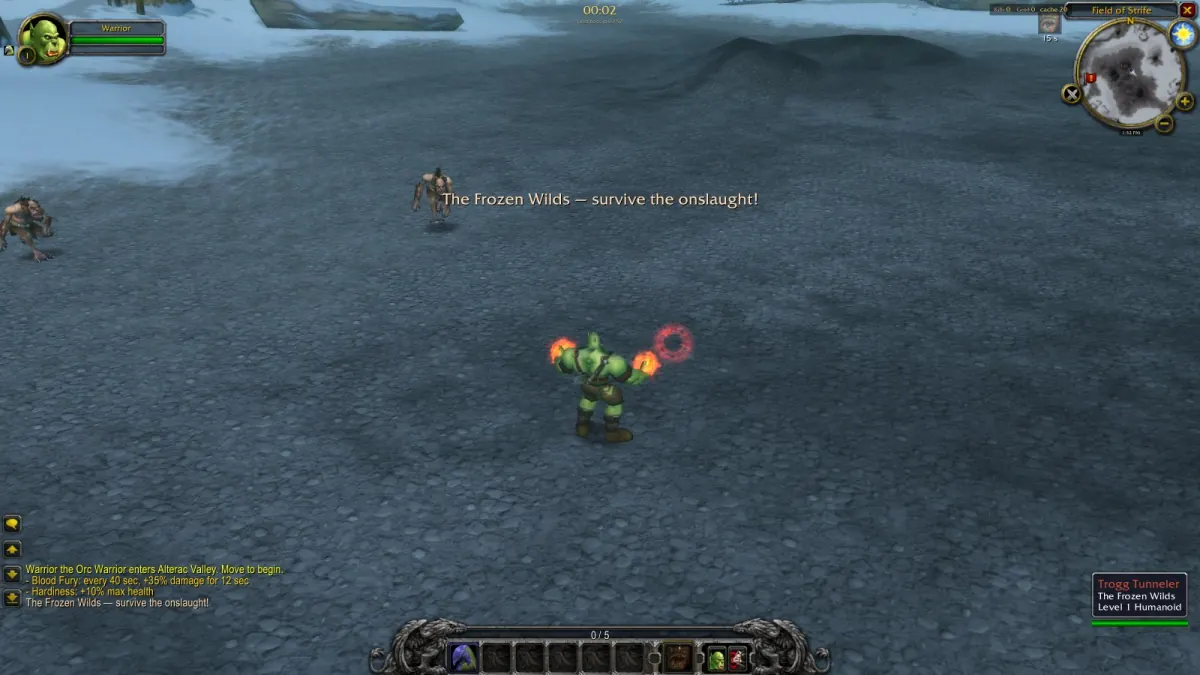
Gameplay screenshots
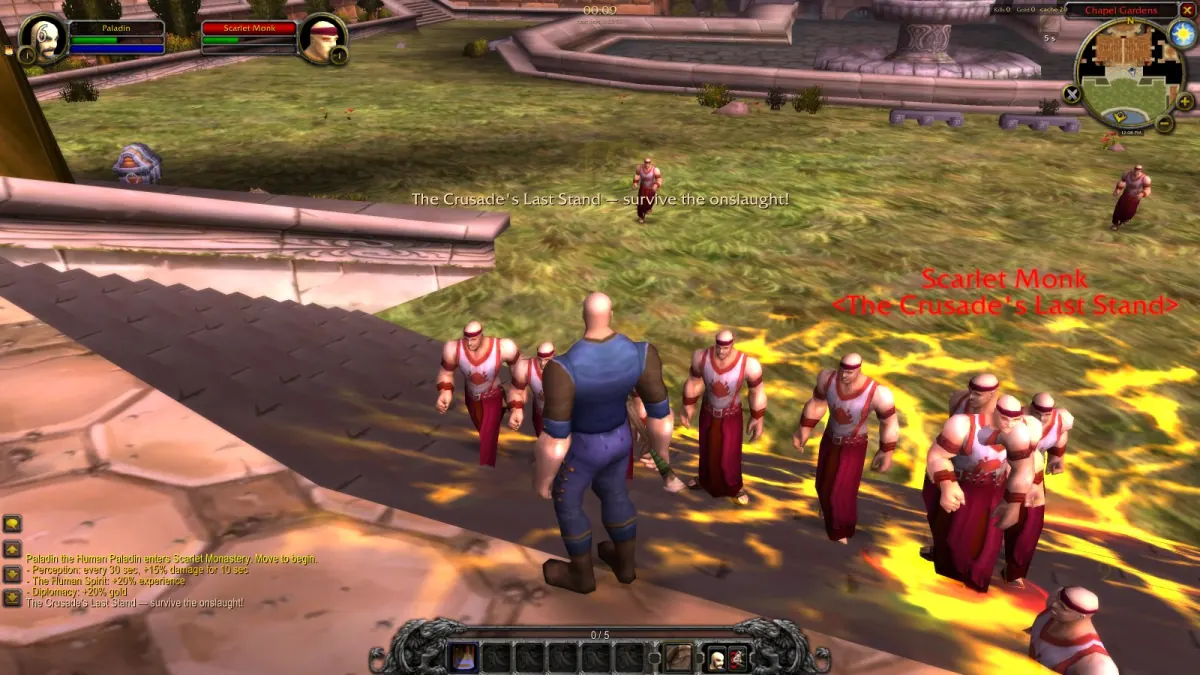
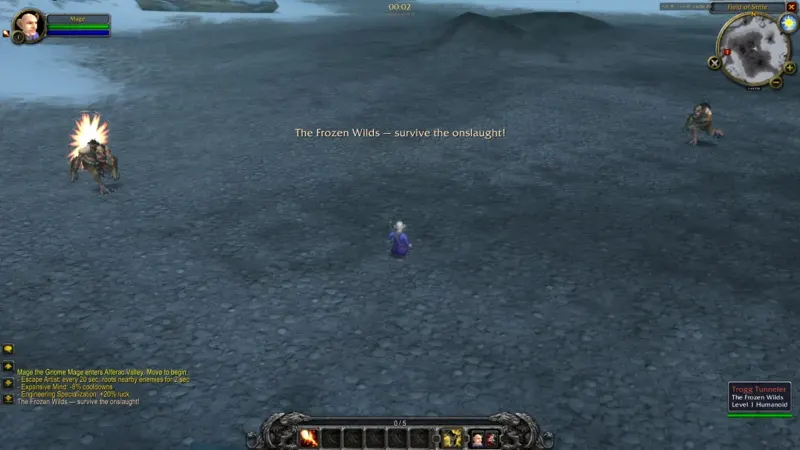
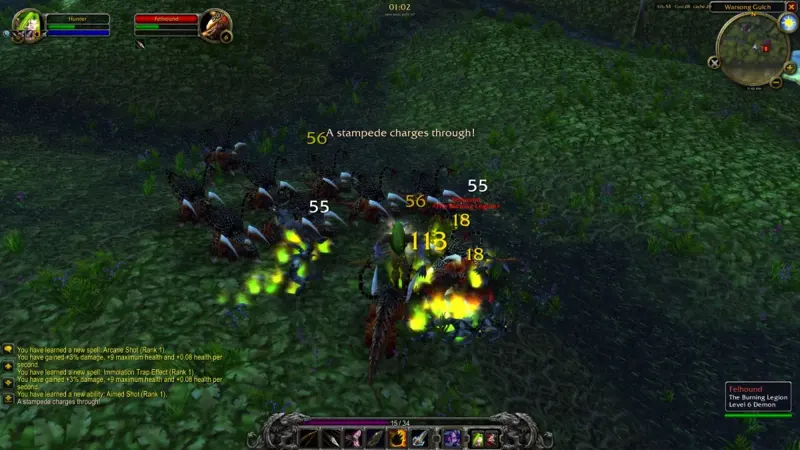
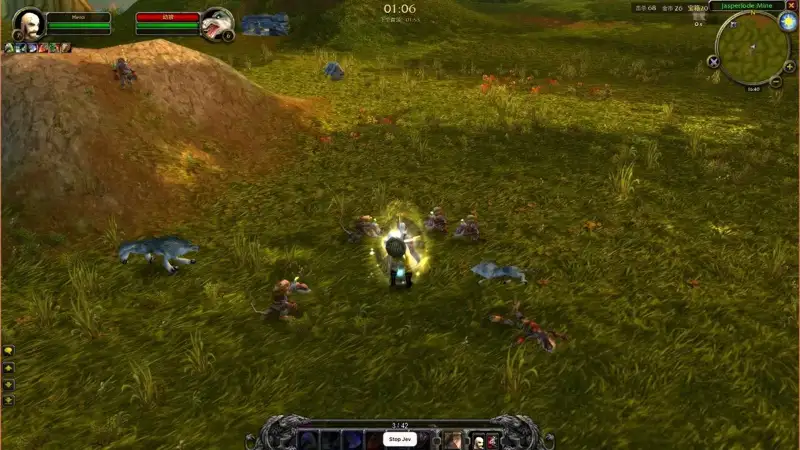
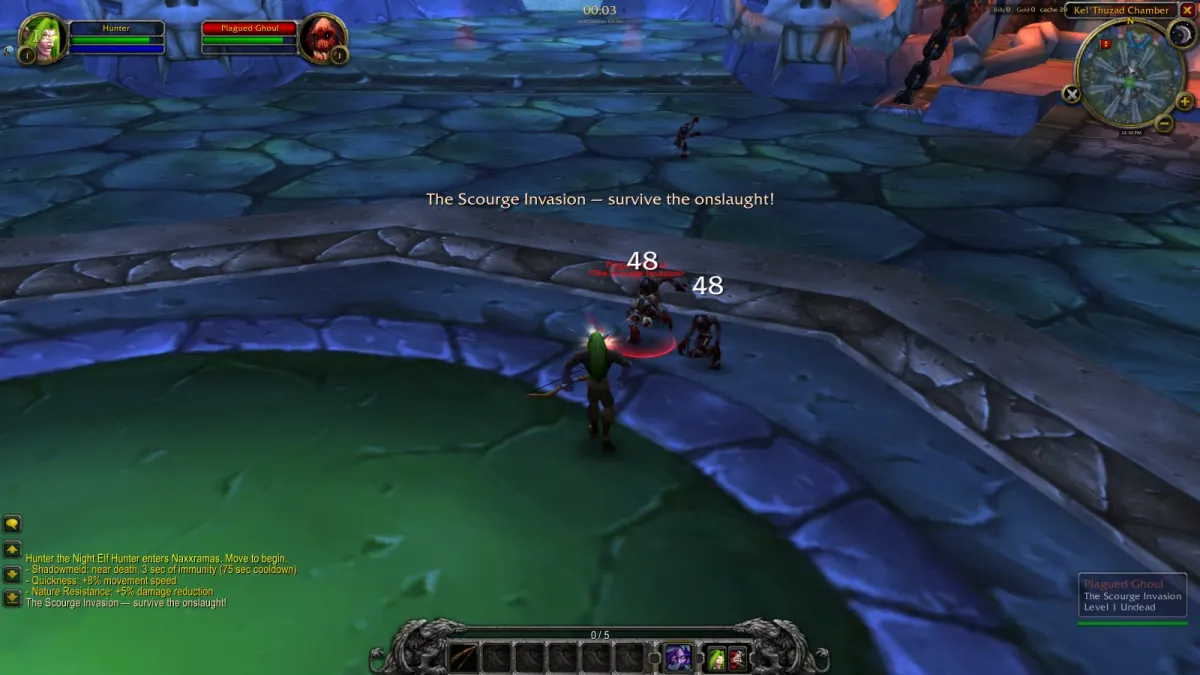
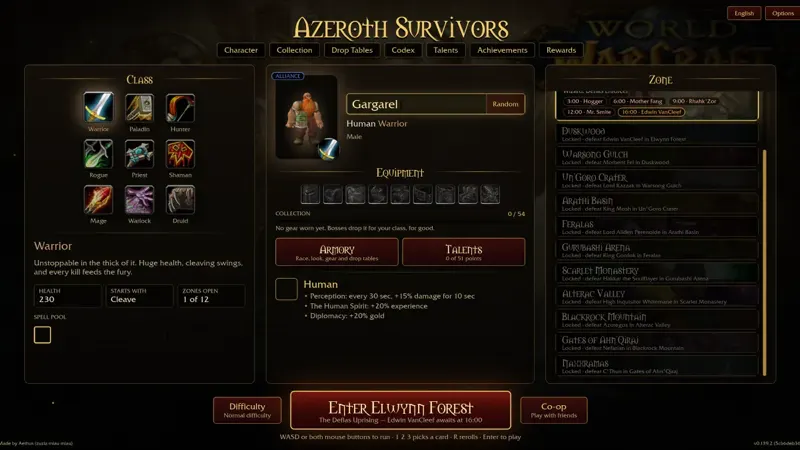
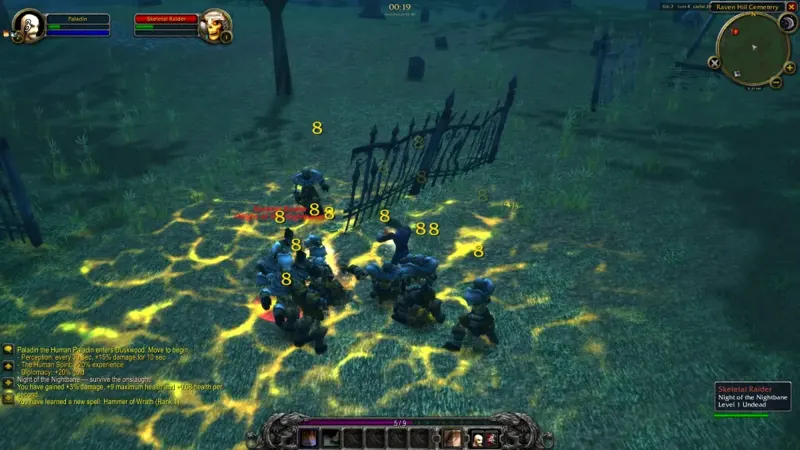
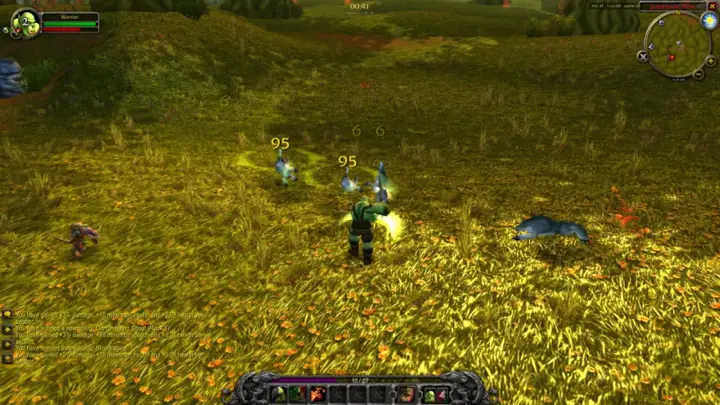
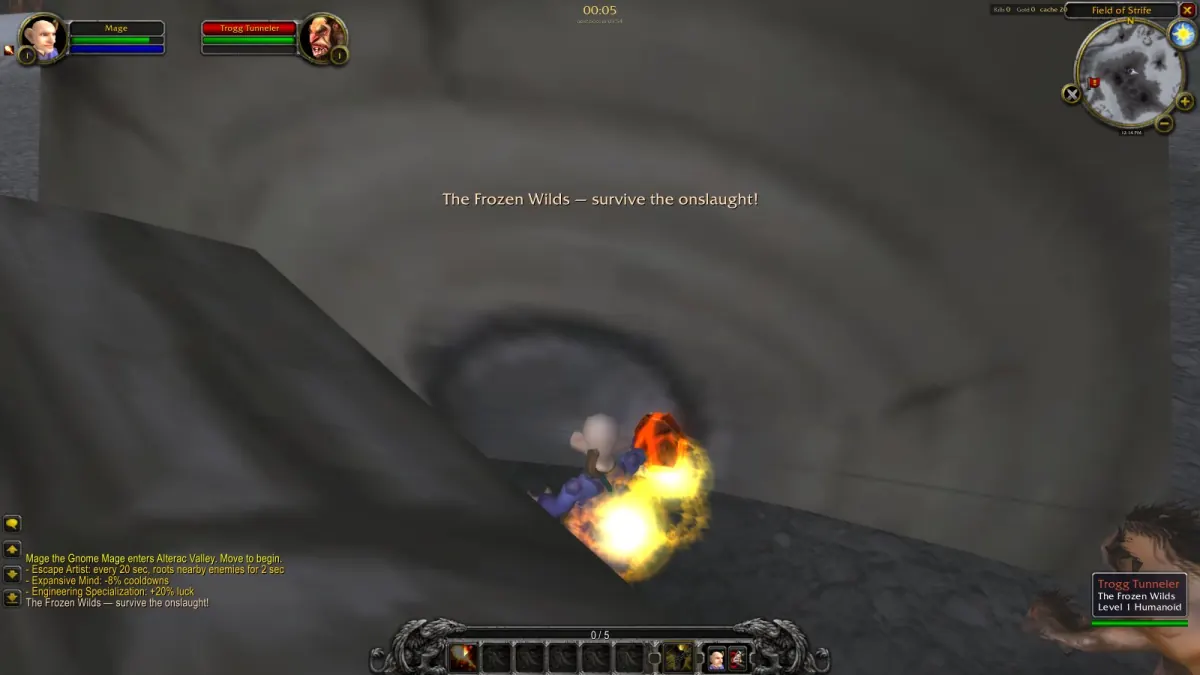
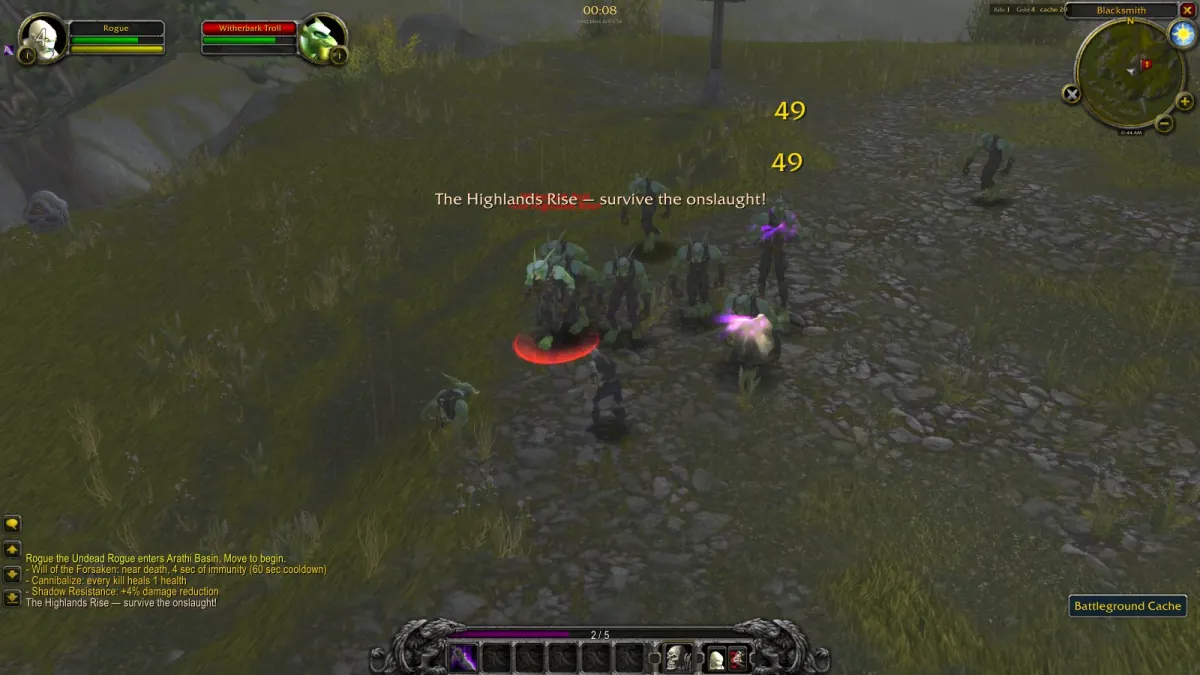
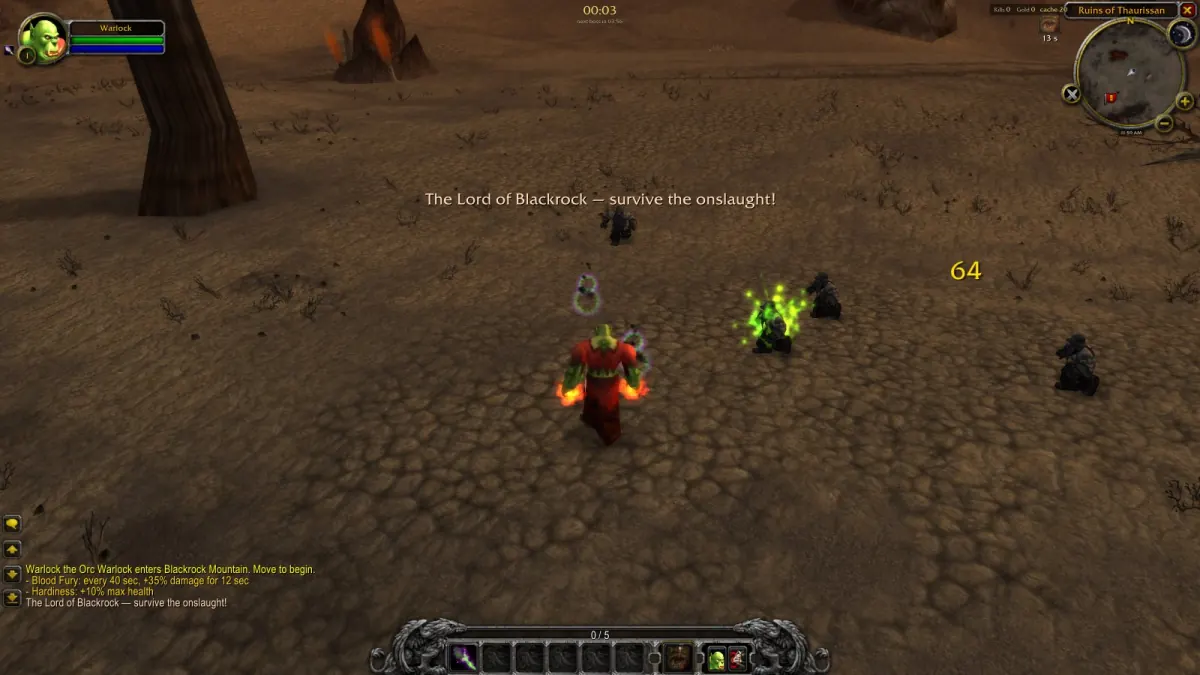
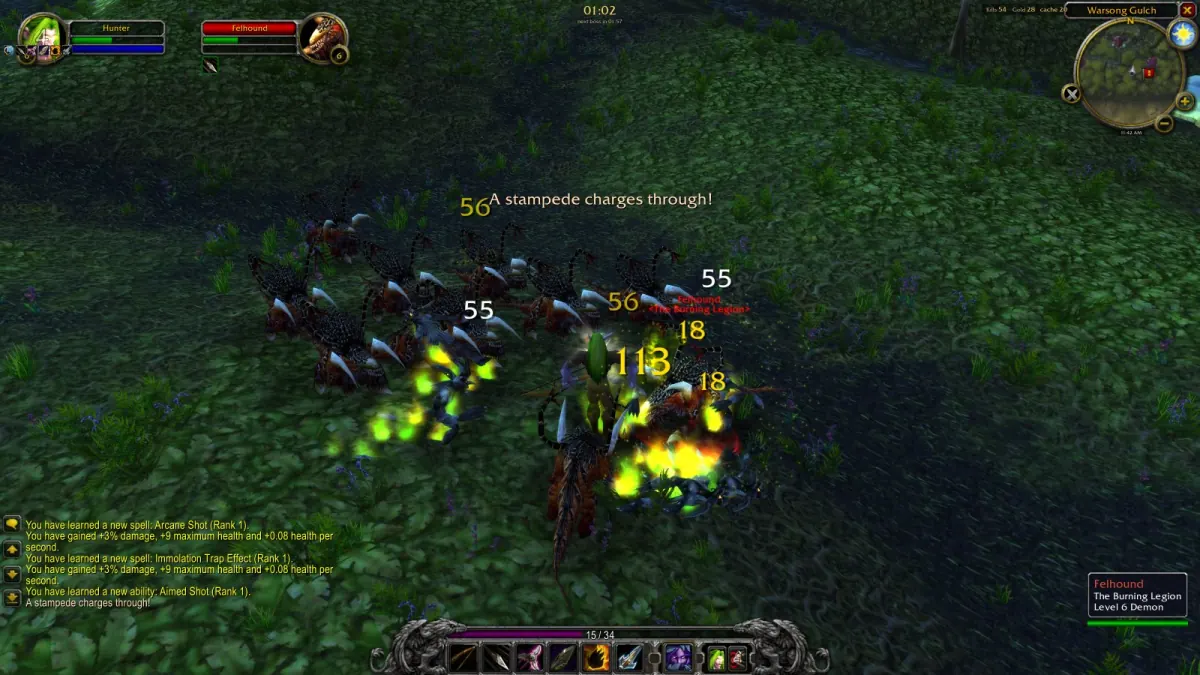
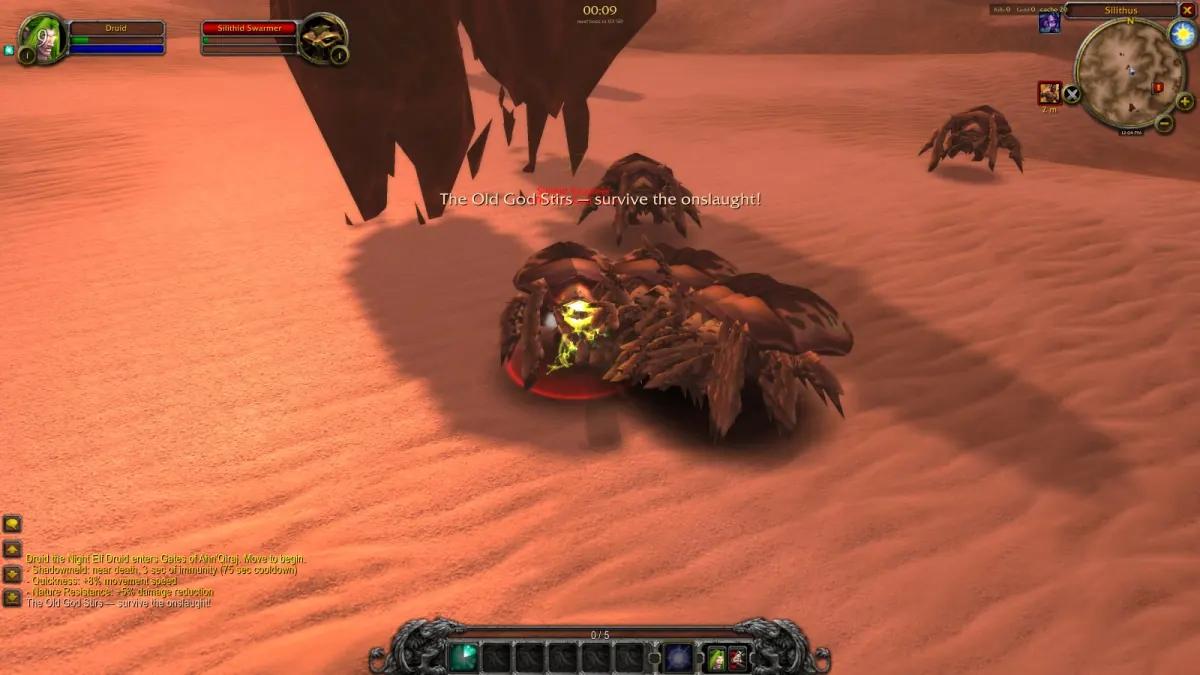
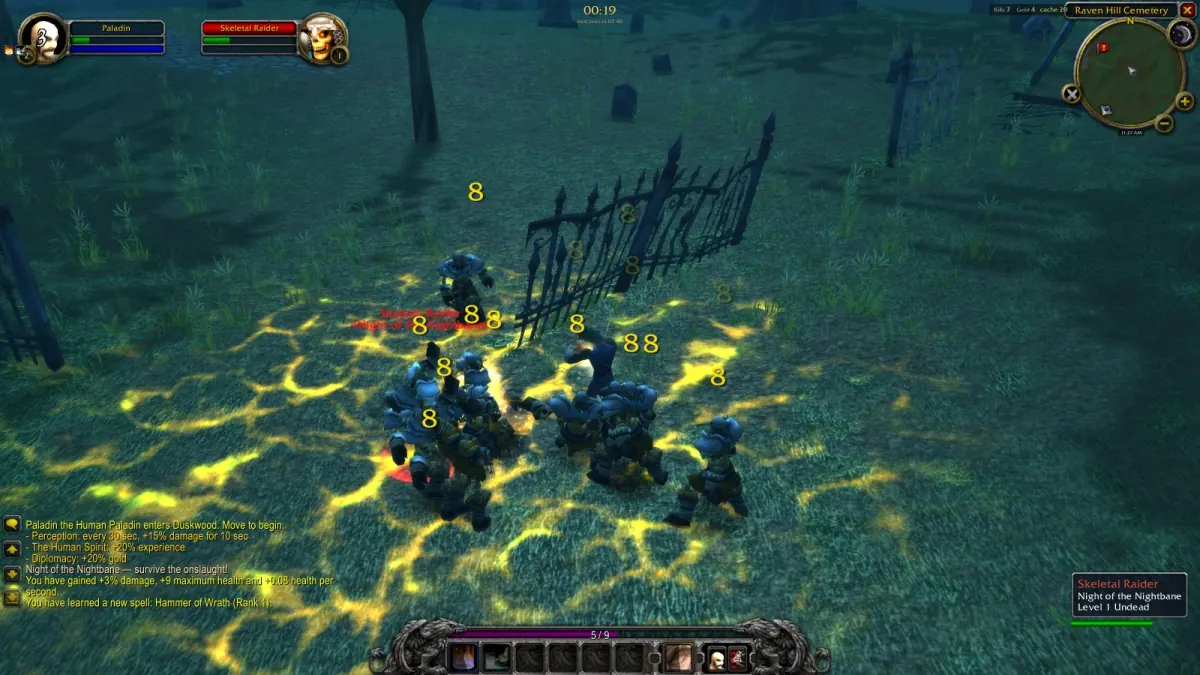
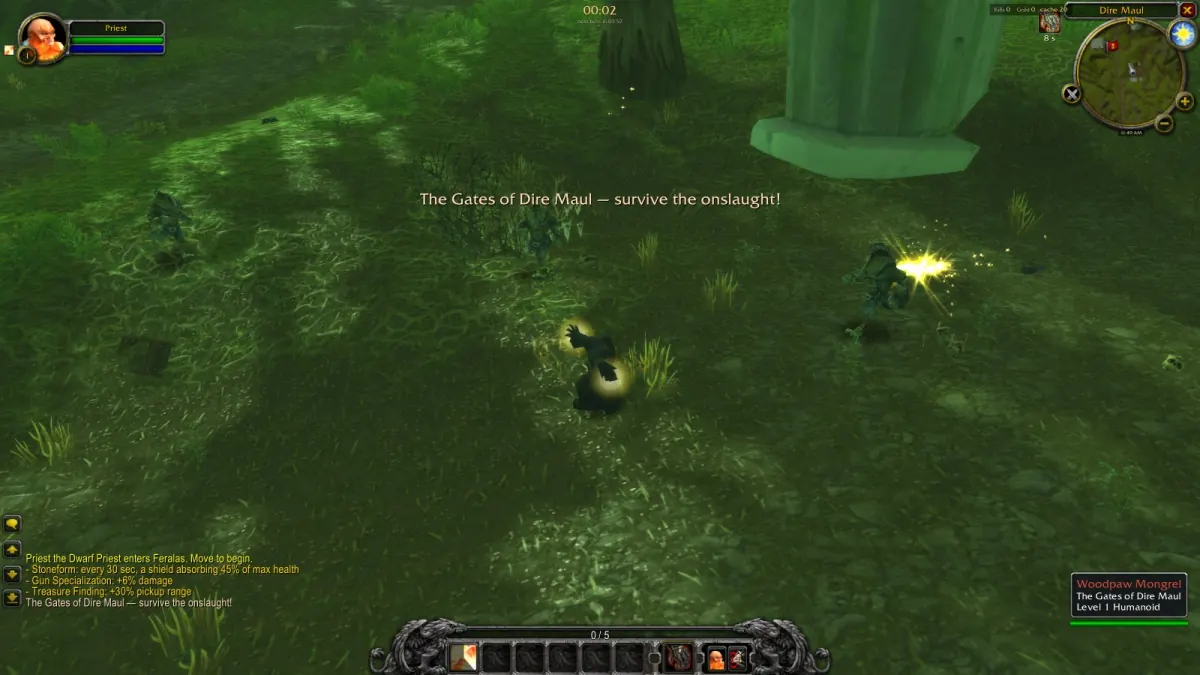
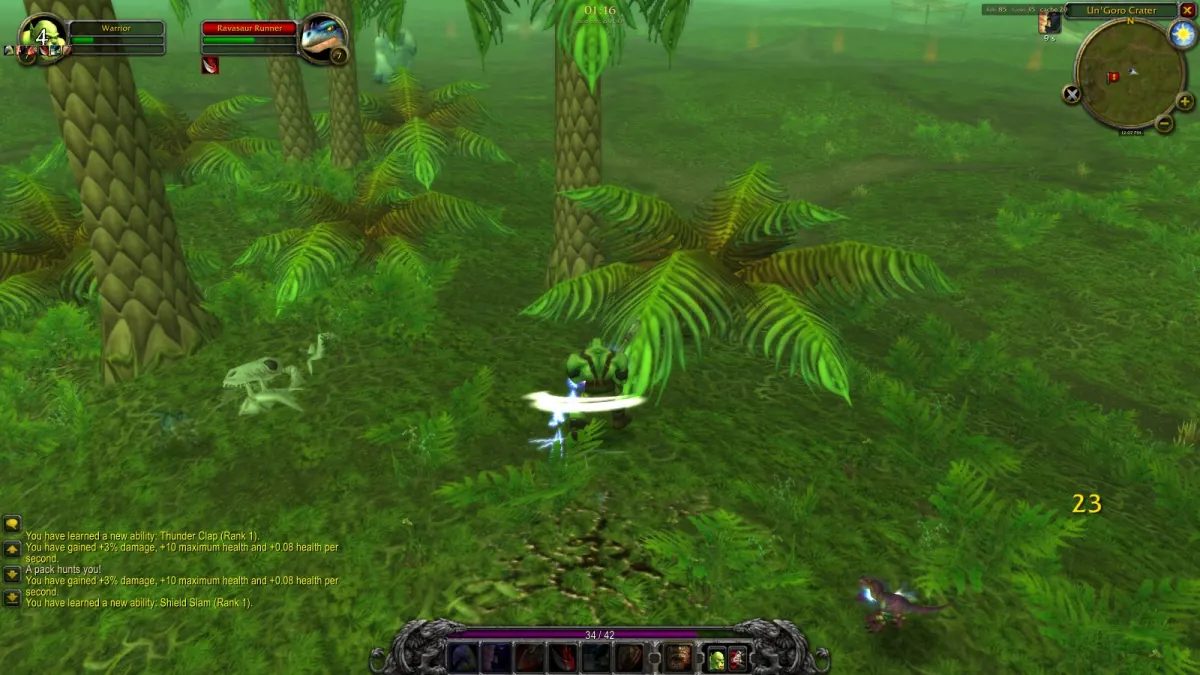
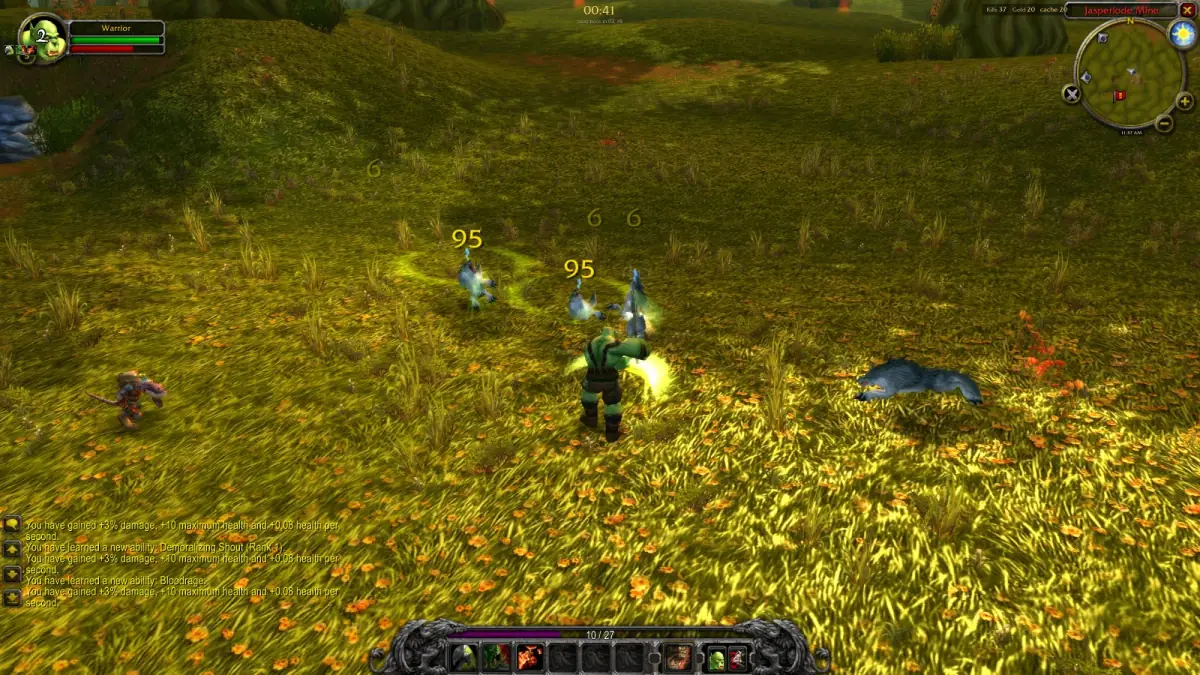
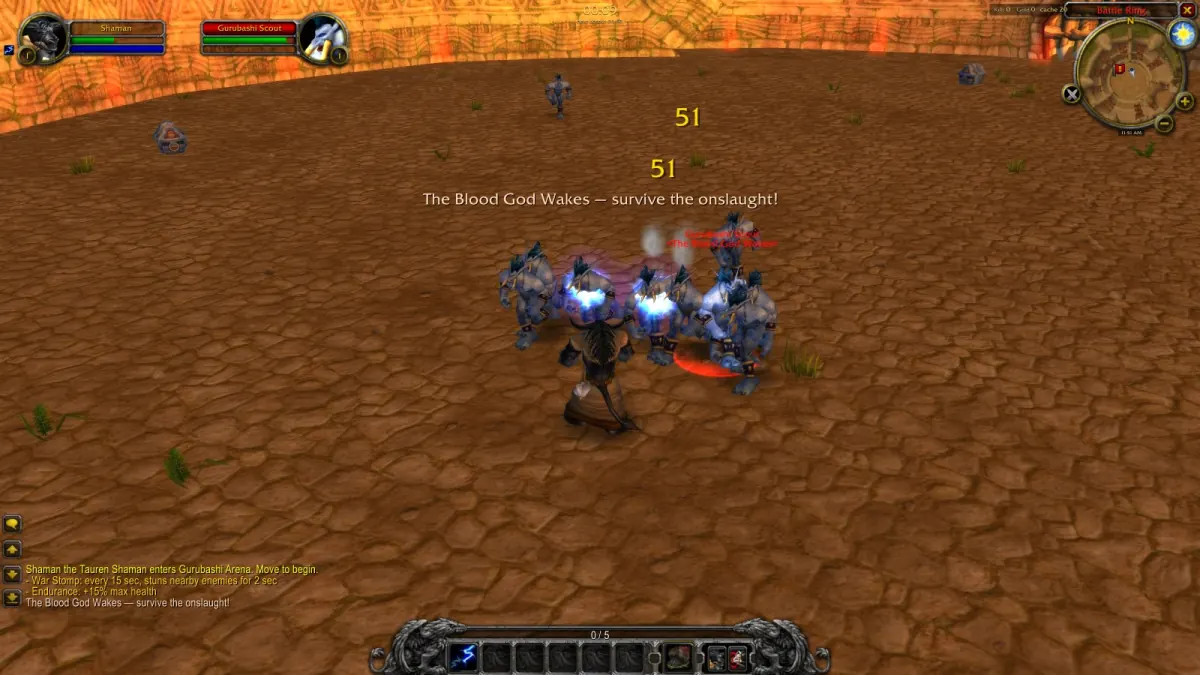
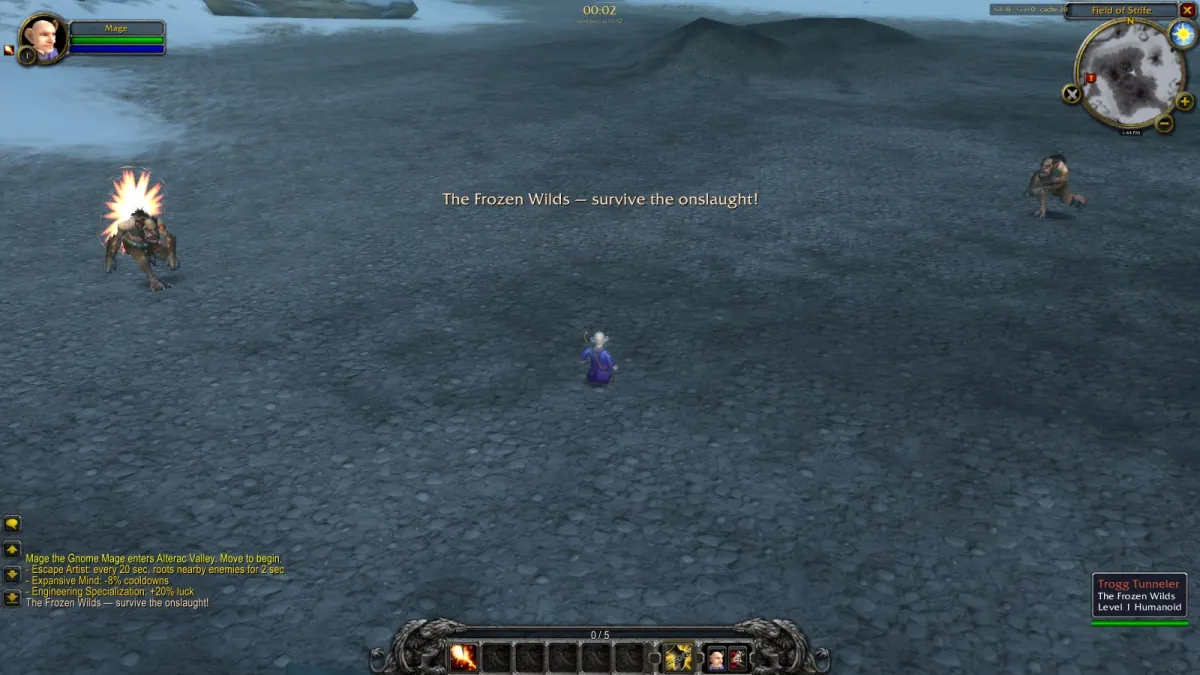
Real screenshots from a browser session: you pick a class, walk into the arena and your hero attacks by itself while waves of enemies close in. Every level-up offers three spell picks, and a run ends with a full stat breakdown.
Which class should you play?
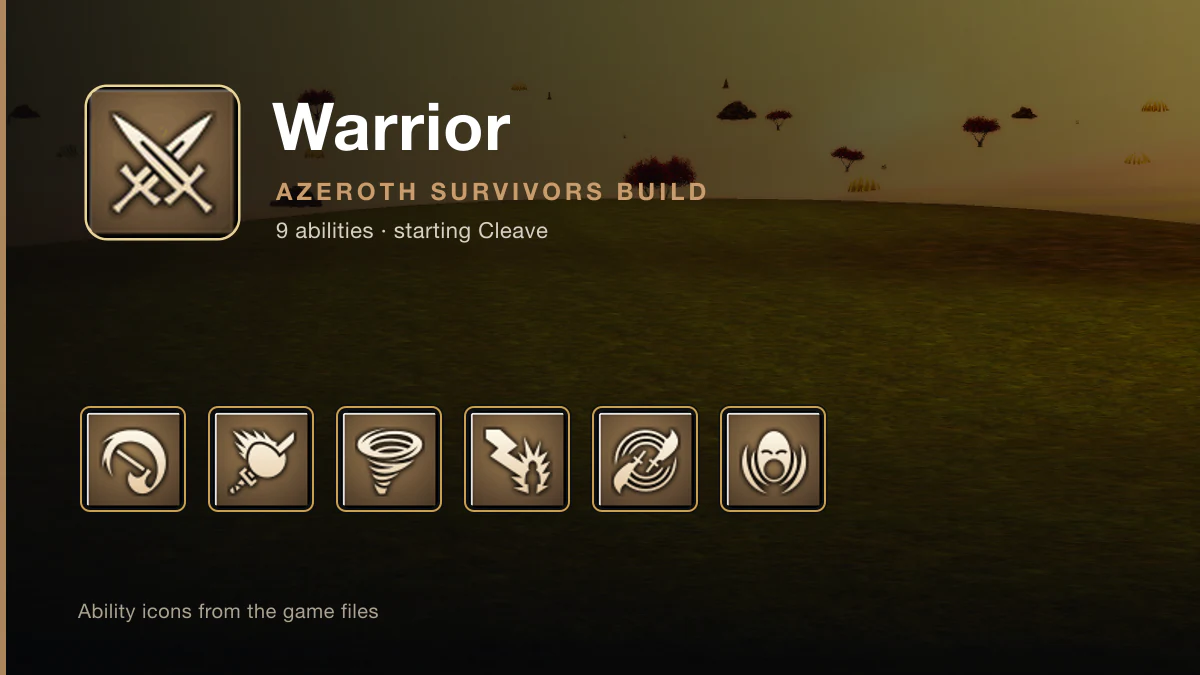
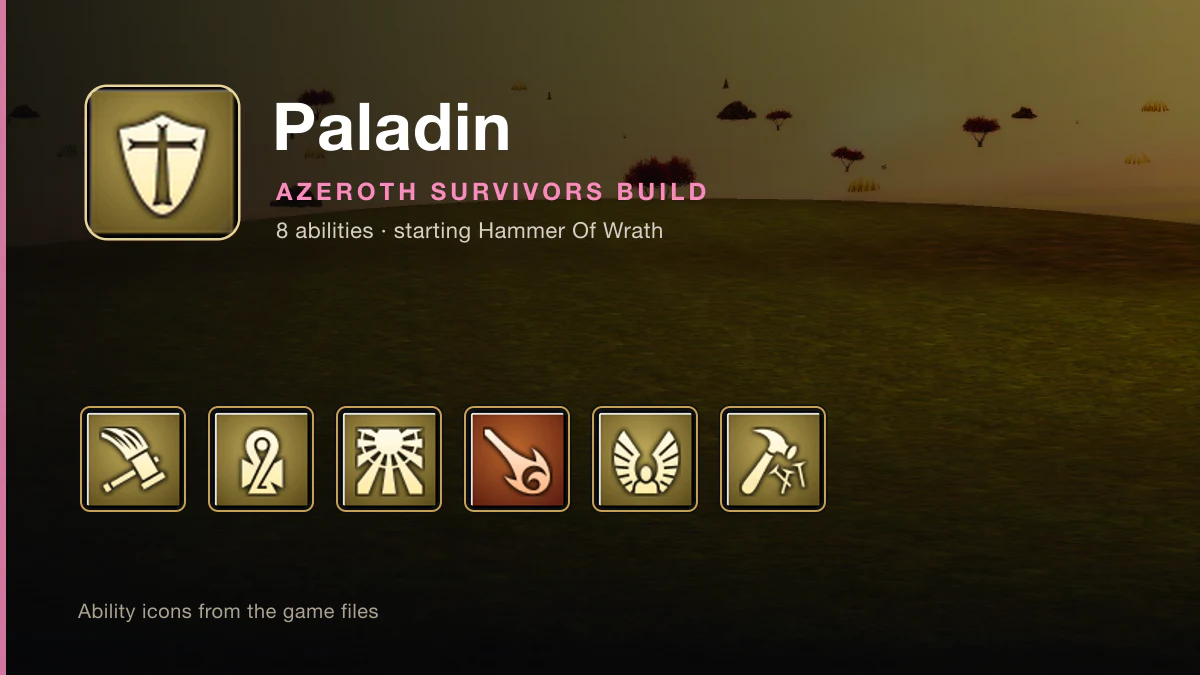
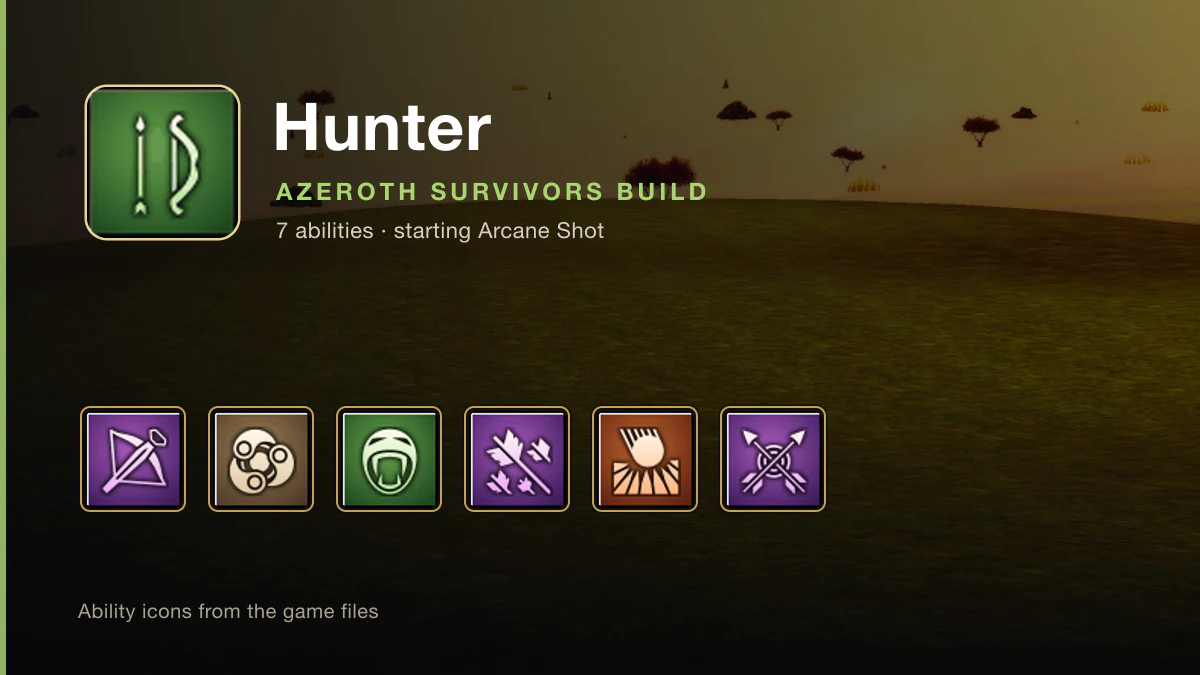
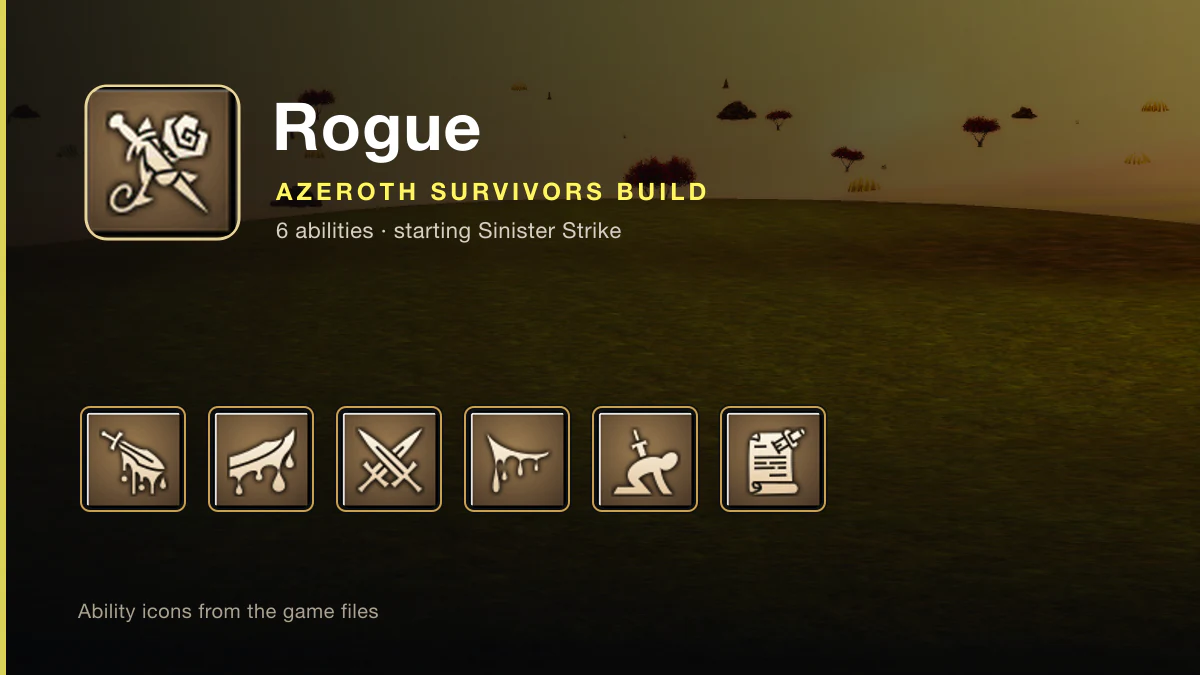
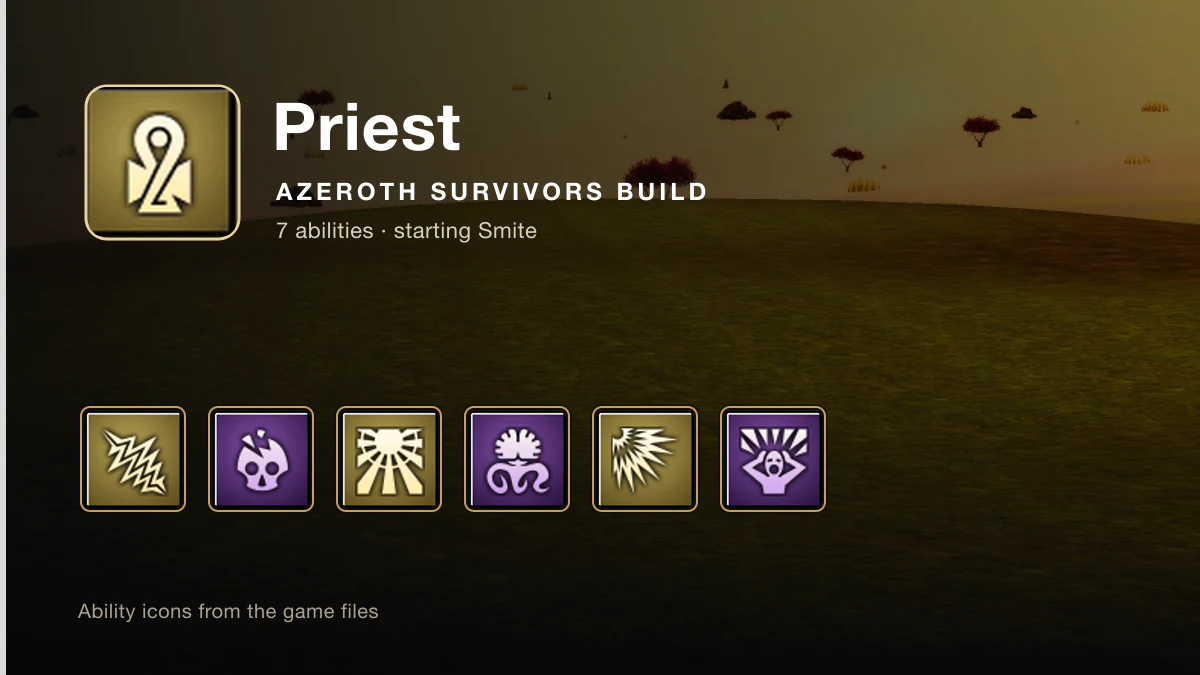
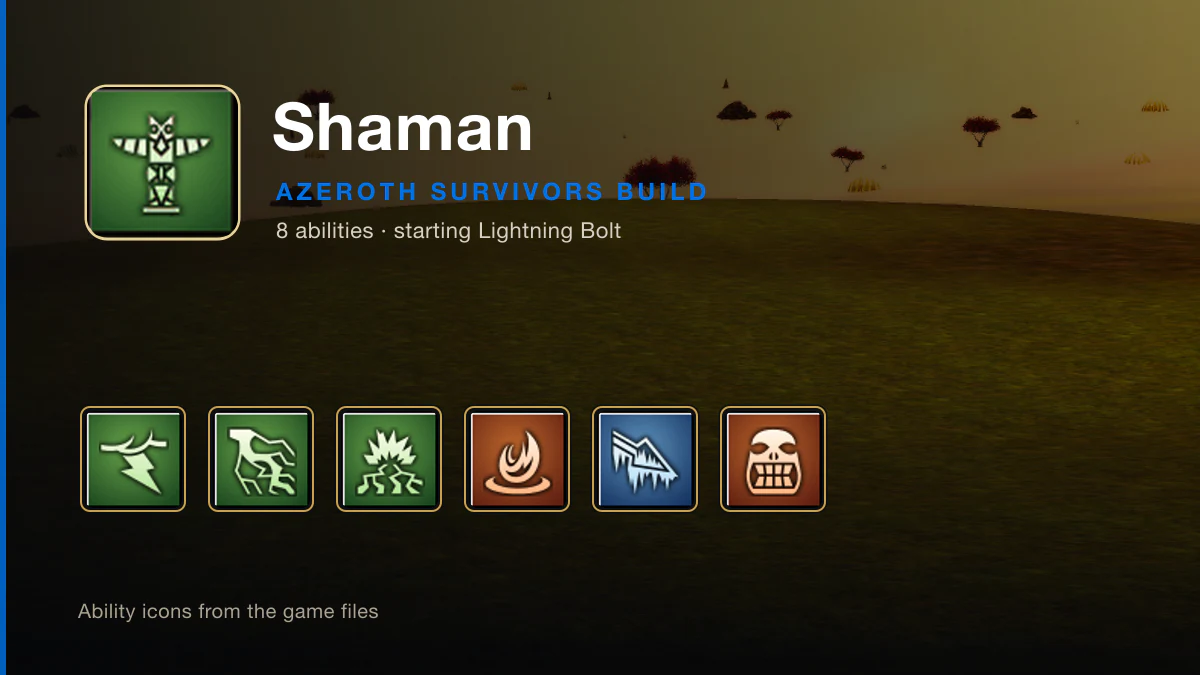
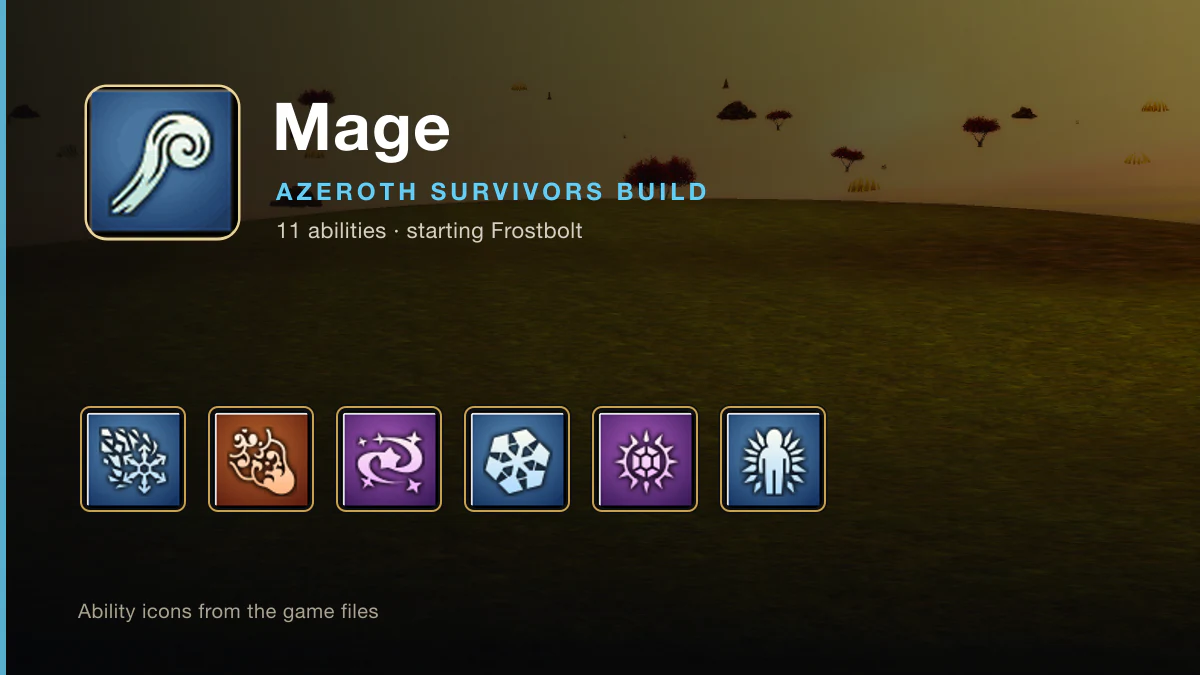
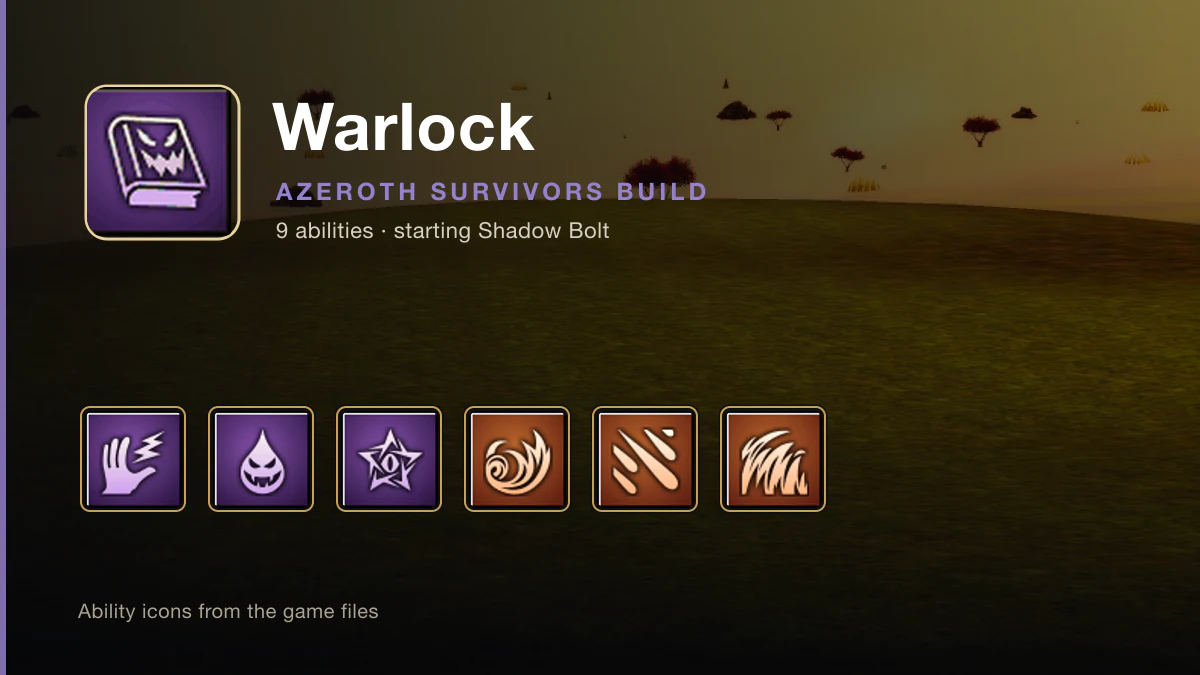
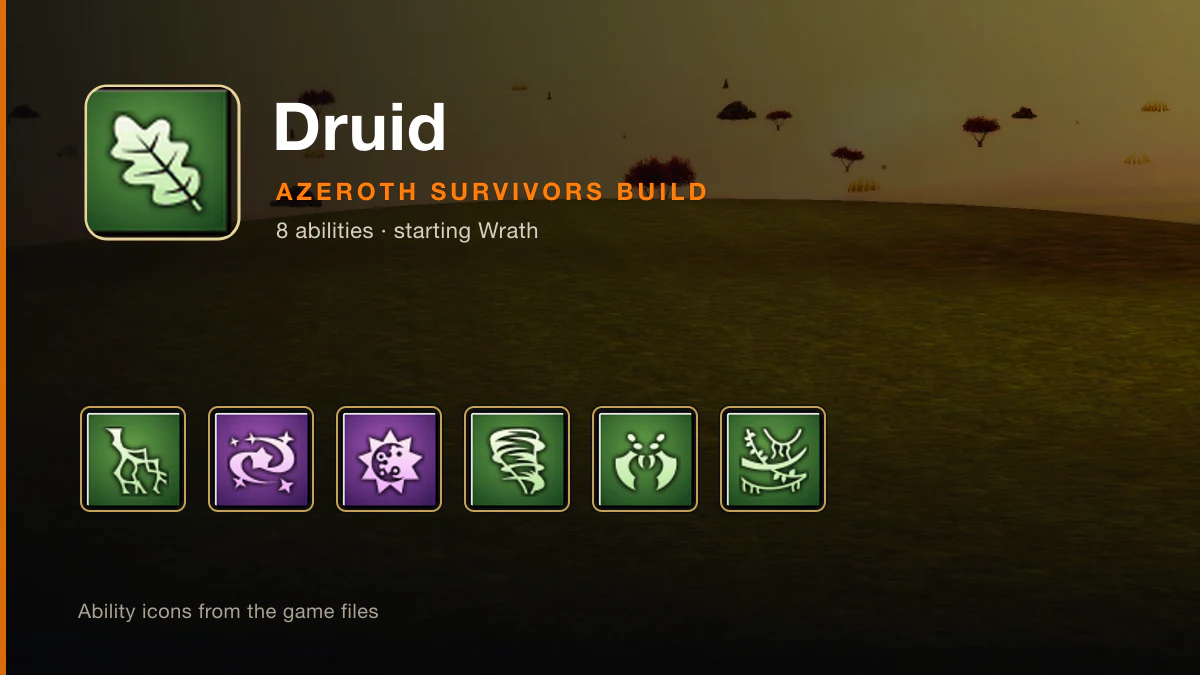
All nine classes start with a different ability. The tier letter comes from the class tier list; the tag names the role and starting ability type from the class table.
How a run works
A run is short, repeatable and built around one question: how long can your build outlast the waves? Each run follows the same loop, and every decision you make fits into one of these steps.
- Choose a hero at the start. Each hero begins with different attacks.
- Move around the arena with the keyboard. Your attacks fire automatically, so you only steer.
- Defeat enemies and pick up the experience they drop to fill your level bar.
- Choose one upgrade each time you level up. Good picks stack with what your hero already does well.
- Keep surviving while the waves get bigger and the arena gets more crowded.
Nothing here asks for fast reflexes with a mouse. The skill is reading the screen, leaving a path open before the crowd closes in and deciding which upgrade is worth more right now than later. That is also why a run can end in a minute for a new player and last far longer once you know how the waves behave. For key tips, seehow to play Azeroth Survivors. Ready to pick a hero? Read ourclasses and beginner builds guide to learn which hero fits your style.
| Requirement | Details |
|---|---|
| Browser | Current Chrome, Edge or Safari with WebGPU |
| Input | Keyboard for movement; click the game once to focus it |
| Account | None. No sign-up and no Blizzard account |
| Install | None |
Zones in unlock order
The game data lists 12 zones. These eight come first, in the order the files store them.
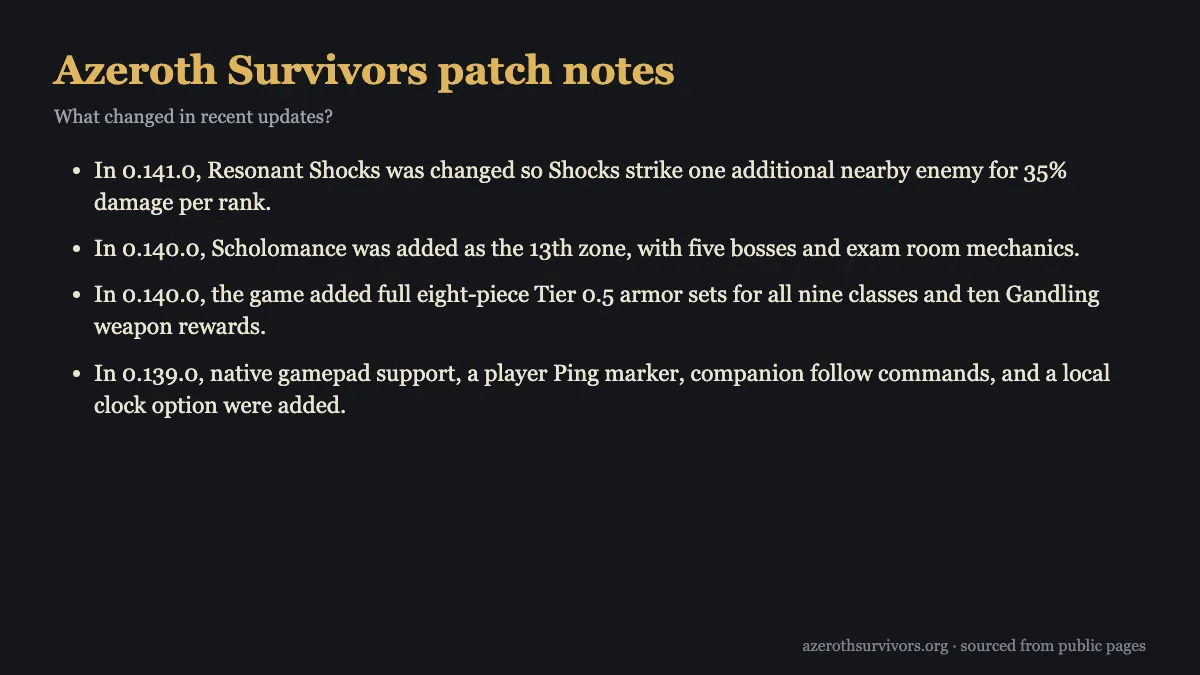
What changed in 0.145.2
Patch 0.145.2 is the newest entry in the patch history, checked on 2026-11-20. These are the changes recorded in that entry.
- In the latest Shaman update, Counterattack can trigger a free Immolation Trap when an enemy hits the player in melee, with a 15% chance per rank.
- That same version report describes Tier 0.5 armor, Kill Command, and ten replaced English strings.
- The broader patch history records Scholomance as a new zone, the 13th, with five bosses and exam room mechanics.
Will it run on your device?
The game needs a desktop or laptop browser with WebGPU, a modern graphics API that lets the page draw the whole 3D world itself. It also works best with a keyboard, so a computer is a better fit than a phone. There is nothing to install and no account to create.
| Browser | What to know |
|---|---|
| Google Chrome | Current desktop versions have WebGPU on by default. On Linux you may need chrome://flags/#enable-unsafe-webgpu. |
| Microsoft Edge | Built on Chromium, so a current Edge runs the game the same way Chrome does. |
| Safari | Recent Safari releases ship WebGPU. Update macOS and Safari if the game shows a WebGPU warning. |
| Other browsers | If a browser has no WebGPU, the game cannot start there. Enable WebGPU or switch browser. |
If the browser version on this page shows a WebGPU message or a black canvas, update your browser first.
Phone or tablet
The frame can open, but movement needs a keyboard; this page cannot add touch controls.
Windows
Use a current Chrome or Edge with WebGPU.
Mac
Use a recent Safari or Chrome with WebGPU.
Controller
The embedded page allows gamepad access; the game itself decides what it reads.
Not loading? Fix it here
When the game says "Too many people are playing"
If you see this message, the game server is busy. Reload the page and press Play again a little later.
Here is what to do, all from this page:
- Reload the page and press Play again; the notice clears on its own.
- If the game shows other errors, check ourtroubleshooting guide for WebGPU and black screen fixes.
| Symptom | What to try |
|---|---|
| No WebGPU | Update Chrome, Edge or Safari, or enable WebGPU; without it the game never starts. |
| Black screen | Update the browser, turn hardware acceleration on, then reload. |
| Too many people | Reload the page and press Play again; the notice clears on its own. |
| Lag in big fights | Keep the game tab active; browsers slow or stop background tabs. |
Keep your progress and play together
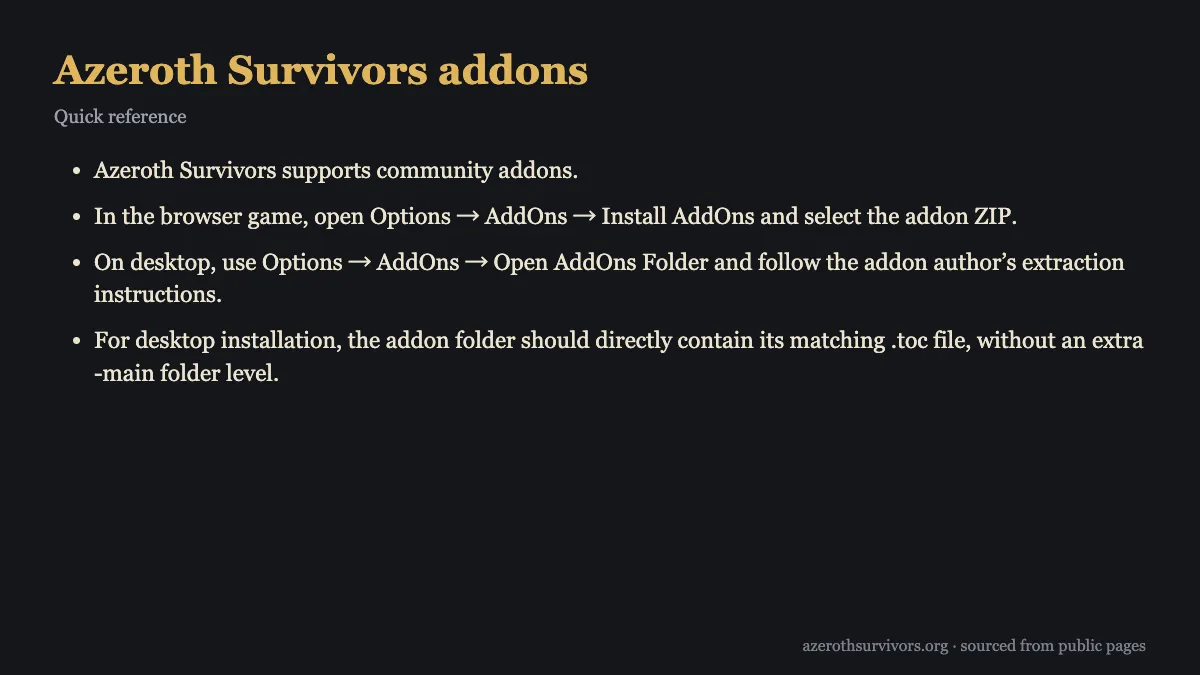
Saves stay on the browser or copy where you play. Co-op, addons and the cheat policy each have their own guide.
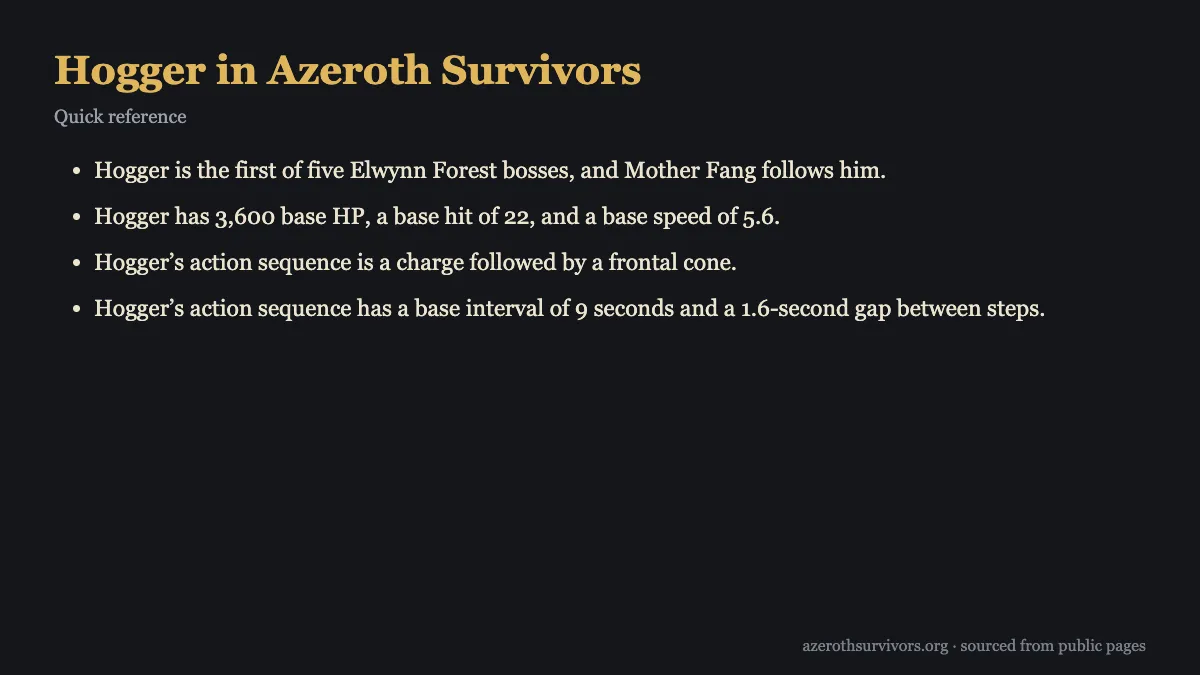
Azeroth Survivors game database
Six reference sections cover every boss, item, talent, ability, zone and achievement in the game data.
Azeroth Survivors vs other survivor games
About Azeroth Survivors
Azeroth Survivors is a free survivor roguelike inspired by World of Warcraft, and you can play it right here in the browser with no account and no install. The frame needs WebGPU, a modern graphics API in current Chrome, Edge or Safari; without it the game cannot start, and the troubleshooting guide lists the steps to enable it.
This game is not made by Blizzard Entertainment and is not part of World of Warcraft. World of Warcraft and Azeroth are trademarks of Blizzard Entertainment. This site is not affiliated with Blizzard Entertainment or with World of Warcraft. Read theterms andprivacy policy for how this page handles analytics and the embedded game.
Azeroth Survivors and other survivor games
If you have played Vampire Survivors or similar games, this one will be familiar: automatic attacks, enemies that arrive in growing waves and an upgrade choice after each level. The difference is the setting, with a World of Warcraft flavour on heroes and enemies. Newcomers to the genre can learn it in a single run.
Reborn is a separate project by another team: 12 classes, 36 zones, and co-op for up to five players. It is not the same build as the Azeroth Survivors frame on this page.
| Game | How you get it | Setting |
|---|---|---|
| Azeroth Survivors | Free in the browser (WebGPU) | World of Warcraft-inspired |
| Vampire Survivors | Store release (desktop and mobile) | Gothic horror |
| Brotato | Store release (desktop and mobile) | Sci-fi potatoes |
| Halls of Torment | Store release | Dark fantasy |
More games like Azeroth Survivors
Six browser games from our own catalogue and itch.io. Each cover is hosted here.

FAQ
Azeroth Survivors FAQ
What is Azeroth Survivors?
It is a free survivor roguelike inspired by World of Warcraft. You pick a hero, move around an arena while your attacks fire on their own, collect experience and choose one upgrade every time you level up. It runs in the browser with no account and no install, and it needs WebGPU; without WebGPU the game cannot start here.
How do I play the game in the browser?
Click the Play button in the game area. The frame needs a browser with WebGPU, such as a current Chrome, Edge or Safari. Choose a hero, steer with the keyboard and let your attacks run automatically. Browsers without WebGPU cannot start the game; the troubleshooting guide shows how to turn WebGPU on. Our how to play guide covers upgrades, survival tips and what to do when the game does not start.
Is the game free?
Yes. The browser version is free and needs no account, no sign-up and no install. This site does not charge for anything and never asks for payment details.
Why does it say "Too many people are playing"?
If you see this message, the game server is busy. Try again later or use one of the game links below.
Why is the game not loading or showing a black screen?
It draws its world with WebGPU. If your browser has no WebGPU, the game cannot start: update Chrome, Edge or Safari to a current version, or on Linux Chrome enable the unsafe WebGPU flag at chrome://flags/#enable-unsafe-webgpu. The troubleshooting guide walks through each case.
Can I play on my phone?
The frame opens in a mobile browser that supports WebGPU, but the game is built around keyboard movement, so a desktop or laptop browser is much smoother. Touch controls are not something this page can add.
Is it like Vampire Survivors?
It follows the same survivor formula: automatic attacks, growing waves of enemies and an upgrade pick after each level, with a World of Warcraft flavour on top. If you enjoy Vampire Survivors or similar games you will feel at home, because the skill is in movement and build choices rather than aiming.
Do I need a Blizzard or Battle.net account?
No. The game is not part of World of Warcraft, so it does not use a Blizzard or Battle.net account and has no connection to your WoW subscription. You do not need to register anywhere to play it in the frame on this page.
What is the best class in Azeroth Survivors?
The best class depends on your playstyle, but Warrior, Paladin and Druid are beginner-friendly picks. Each hero starts with different attacks, so your first choice shapes your build. The tier list ranks all nine classes, and the classes and beginner builds guide explains how to build around a starting attack.
How do I fix the game when it won't load?
Check what you see: a "Too many people are playing" message means try again later or use one of the game links below; a WebGPU warning means you need to update your browser or turn WebGPU on; a black screen may mean hardware acceleration is off. Our troubleshooting guide walks through each fix step by step.
Azeroth Survivors is free to play in the browser. Pick a class, read the guides, and start a run.